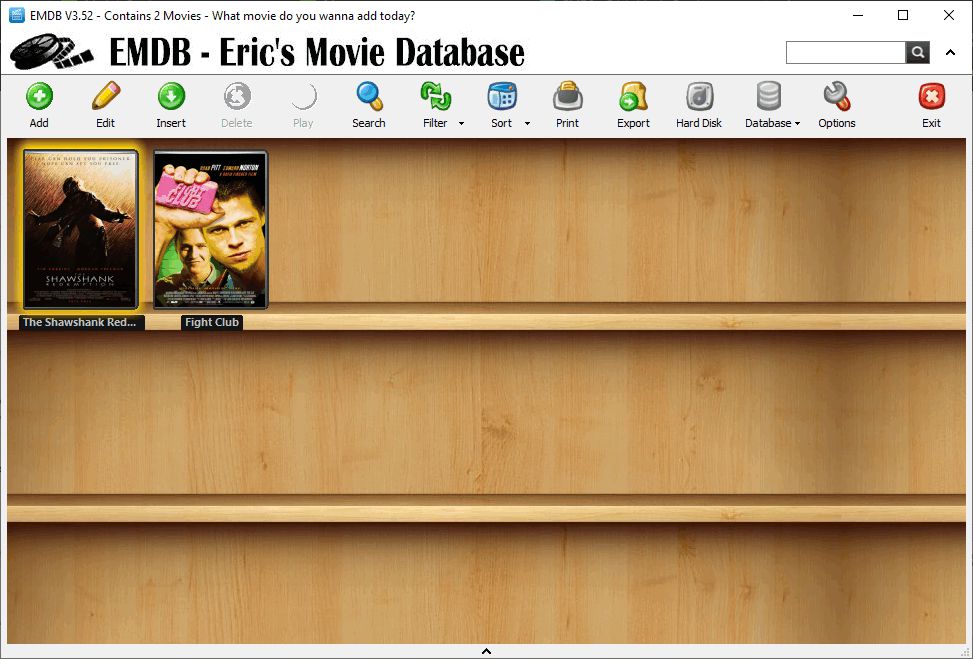
If you watch a large number of movies, keeping track of every single one can be a challenge. Long gone are the days when you had them all on DVD and could simply look at a physical shelf to remember your collection. Well, the shelves are digital now... EMDB (Eric's Movie Database) is a completely free Windows app designed to catalog your movies and display detailed information about them. When you open it up for the first time, you'll literally see an empty shelf ready for new movies.
Building your digital library
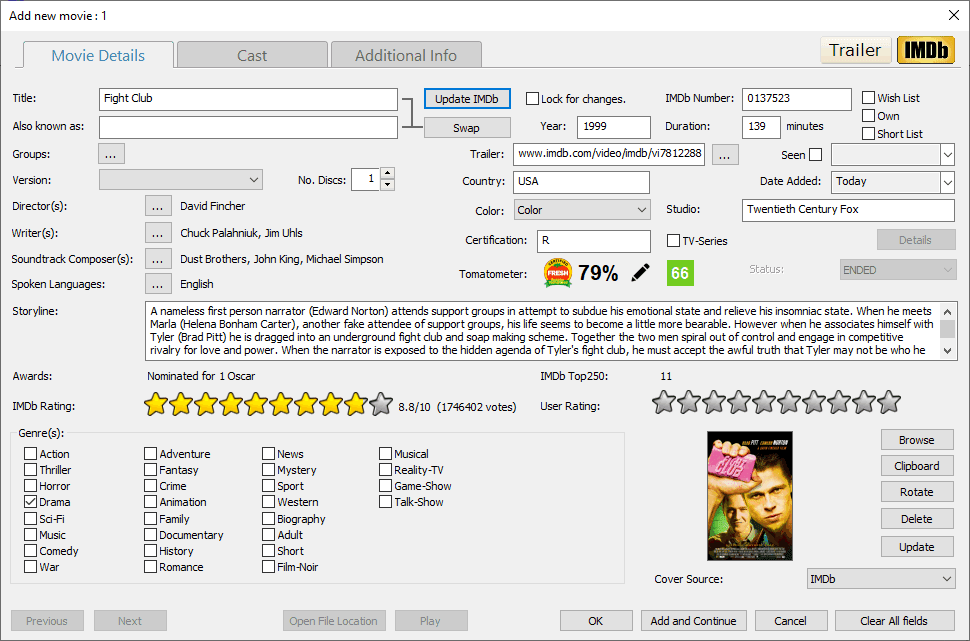
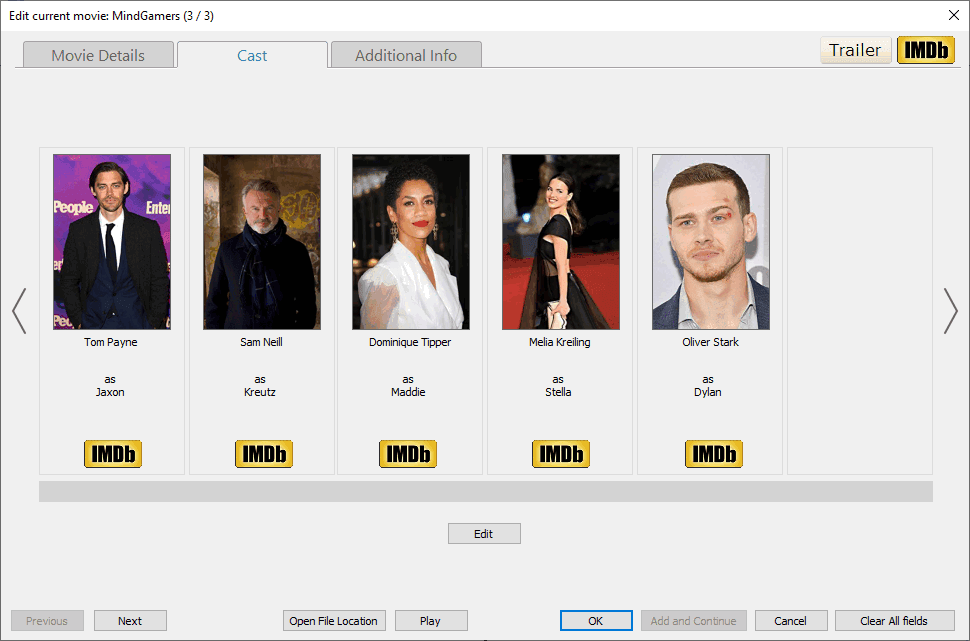
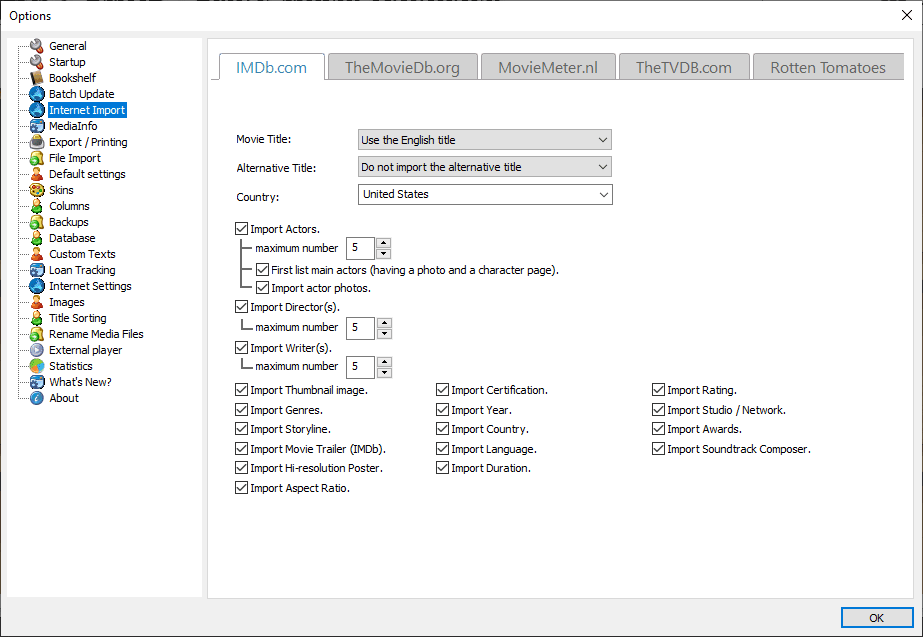
Adding a movie is straightforward: just search for the title, select it from the list of results, and EMDB does the rest. It automatically pulls the movie's metadata from IMDb - though it also supports TheMovieDb and TheTVDB - and displays it for you. You can easily edit any of these details before adding the movie to your shelf. The core idea is to build a personal library of titles you have seen or intend to watch, letting you mark specific entries as Owned or Seen.
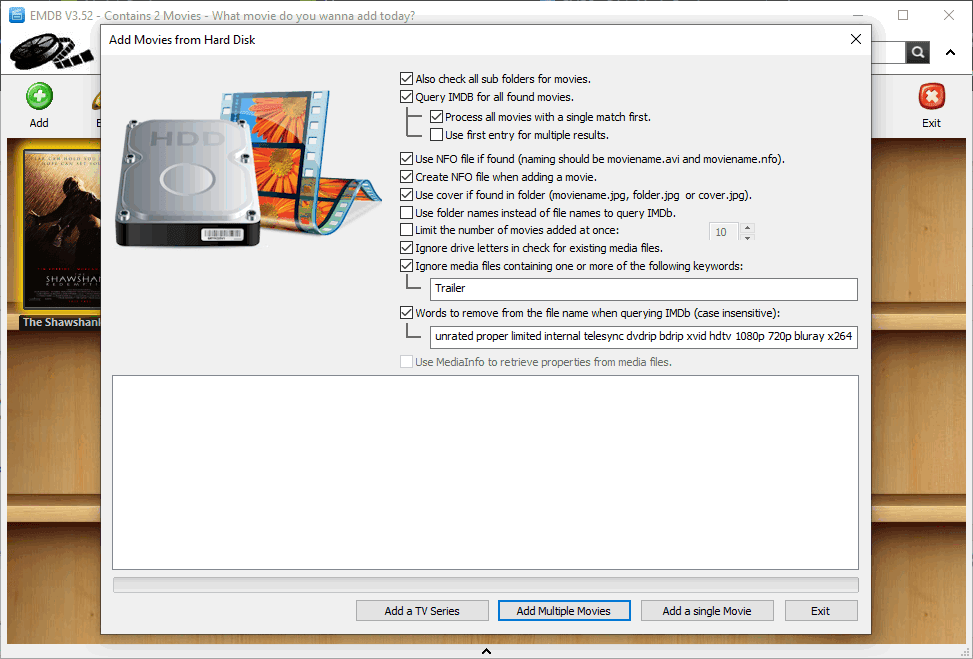
Instead of just searching manually, you can point EMDB to your local video files. The app scans your folders and tries to recognize and add them to your catalog, though the accuracy mostly depends on how well your video files are named.Organization and design
The app's design feels a bit outdated by modern standards, but it still represents a nice idea. To keep things organized, you can split your collection across different databases to categorize them - a feature accessible from the Options window, under Database. Alternatively, you can just group or filter a single database to quickly display different sets of movies.